

McOsu (2017)
Genres: ArcadeIndie
Tags:
SingleplayerAnimeVRRhythm
| PC |
Released: 2017-03-20Requirements
|
||||||||||||||||||||||||||||
| Linux |
Released: 2017-03-20Requirements
|
Description
McOsu is a free, open-source practice client designed for the popular PC rhythm game osu!. Created entirely from scratch by developer McKay42, it offers a unique set of features and customization options that make it an excellent tool for players looking to improve their skills. Unlike the official osu! client, McOsu doesn't require an osu! installation or an account to play, allowing players to practice without connecting to the game's online services. However, it does not support osu!'s online features, such as rankings or multiplayer, and lacks some of the core mechanics found in the original game, such as the health bar.
One of the standout features of McOsu is the ability to adjust various difficulty settings for the maps being played. Players can individually modify elements like circle size, approach rate, overall difficulty, and even the speed of the game or the song’s BPM. This customization empowers users to tailor the experience to their specific needs and preferences, making practice sessions more focused and effective.
Advanced Practice Features
McOsu provides several features designed to enhance the practice experience. Among them is the "target practice" mod, which allows players to focus on specific aspects of their gameplay. This mod is especially useful for honing accuracy and precision on certain types of notes or patterns. Additionally, McOsu includes the option to pause, skip, or scrub through songs mid-play, giving players more control over their practice sessions. The enhanced hit error bar provides deeper insight into player performance, helping identify areas where improvement is needed.
Customization and Quality of Life Features
Beyond gameplay modifications, McOsu also includes a wide range of quality of life features. Players can take advantage of enhanced aesthetic customization, allowing them to adjust the visual style of the game to suit their personal taste. This includes HUD scaling, customizable game options, and the ability to change mods or override values in real-time during gameplay. These features make McOsu an adaptable and user-friendly tool for rhythm game enthusiasts.
Experimental and Unique Modes
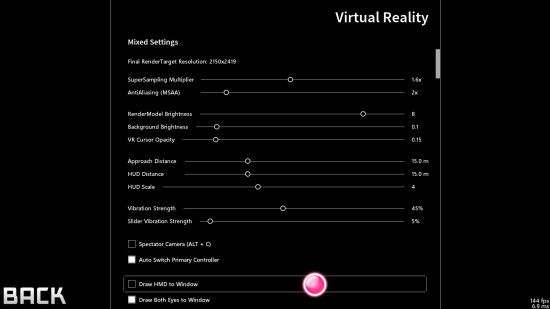
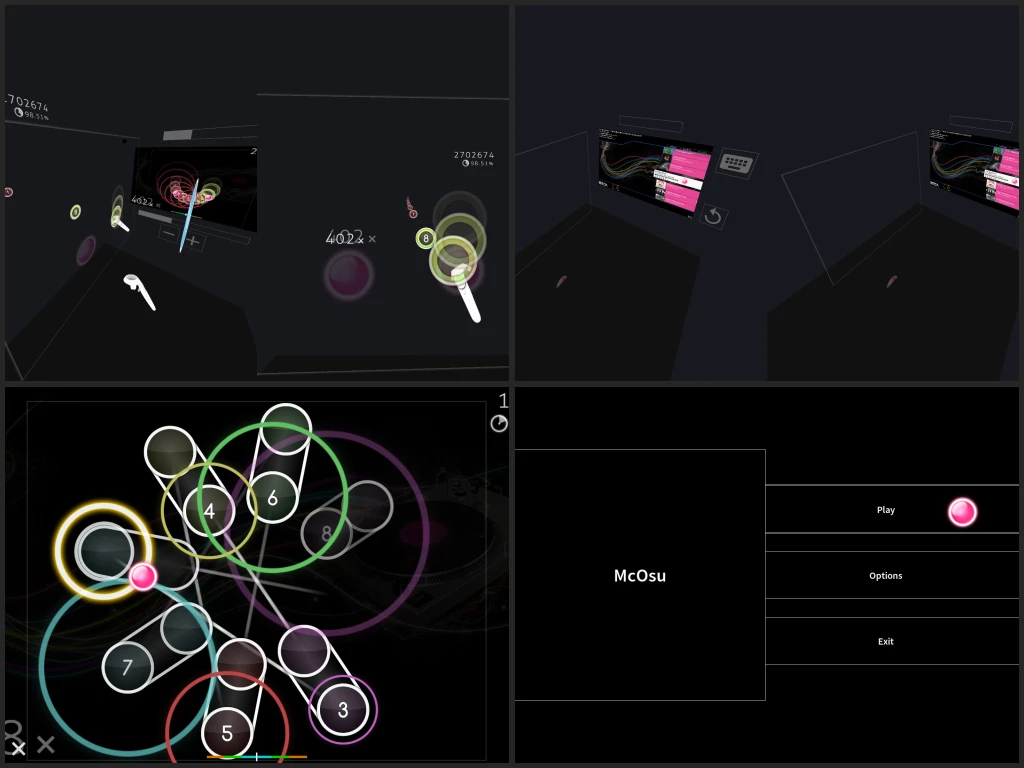
McOsu also stands out by offering a number of experimental features, many of which are not found in the official osu! client. One of the most notable additions is the 3D first-person mode, which allows players to experience osu! from a completely different perspective. Additionally, McOsu supports a VR mode, offering an immersive experience for those with virtual reality headsets. Players can also experiment with various fun mods, such as making notes wobble or flash in vibrant rainbow colors, adding a layer of excitement to their practice sessions.
Separation from osu!
It is important to note that McOsu is developed independently from osu!, and its development is not affiliated with peppy, the creator of osu!. This means that McOsu operates as a separate entity, with a focus on providing practice-focused tools and features. Although McOsu lacks some of osu!'s online functionality, it remains an invaluable resource for players looking to refine their skills and push their limits within the game.
Overall, McOsu offers an extensive set of tools, settings, and features that cater to players of all skill levels. Whether you're a beginner looking to get better or an advanced player seeking new ways to challenge yourself, McOsu provides the flexibility and control needed to enhance your osu! experience.
Our Verdict
McOsu is a solid choice if you want a standalone practice tool for osu! on PC. It’s easy to use, has lots of ways to tweak your gameplay, and helps you improve your skills without needing an osu! account. The extra features like target practice, mid-song skipping, and detailed hit feedback make practice smoother and more fun.
That said, McOsu is not a full replacement for osu!. It misses online play, ranking, and some core game mechanics. If you want the full competitive experience, you’ll still need the main game. But for focused practice and experimenting with new mods, it’s a handy, unique tool.
Overall, we recommend McOsu for players who want to improve and experiment in osu! without the pressure of online competition. It’s user-friendly, versatile, and offers a fresh take on rhythm game practice.